Most people plug in the equipment their internet provider hands them and hope everything magically works. Then one day the WiFi slows down, streaming buffers, or the kids can’t join their remote class — and suddenly the questions start:
- “Why is the WiFi so slow?”
- “Is the modem the problem or the router?”
- “Do I really need both?”
- “Why do fiber providers say I don’t even need a modem?”
You deserve straight answers, without the jargon.
This guide breaks it down in clear, human language: what each device does, how they work together, and how to build a home network that actually supports your lifestyle. We’ll also show you how fiber internet simplifies everything, eliminating the need for a modem altogether.
Let’s get into it.
Read More
-
- What a Modem Actually Does
- What a Router Actually Does
- Modem vs Router: The Real Difference
- Why Fiber Internet Doesn’t Use a Modem
- How Your Home Network Actually Works
- Real-Life Home Scenarios
- Should You Buy Your Own Equipment or Use the ISP’s?
- Matching the Right Router to Your Home and Speed
- Setup & Troubleshooting Guide
- Do You Need Mesh Wi-Fi?
- Upgrading & Futureproofing Your Network
- Fiber vs Cable Equipment
What a Modem Actually Does
A modem is the device that connects your home to your internet service provider.
If you have cable or DSL (short for digital subscriber line – basically, super old internet technology), the modem takes the signal coming in from the wall and converts it into an internet connection your home can use.
Modem is actually short for Modulate-Demodulate, which is the act of changing digital signals into analog to transmit across copper. Think of it as a translator between your house and your ISP (internet service provider).
But here’s the important part:
Fiber internet does NOT use a modem.
That’s because fiber internet uses light instead of electrical signals.
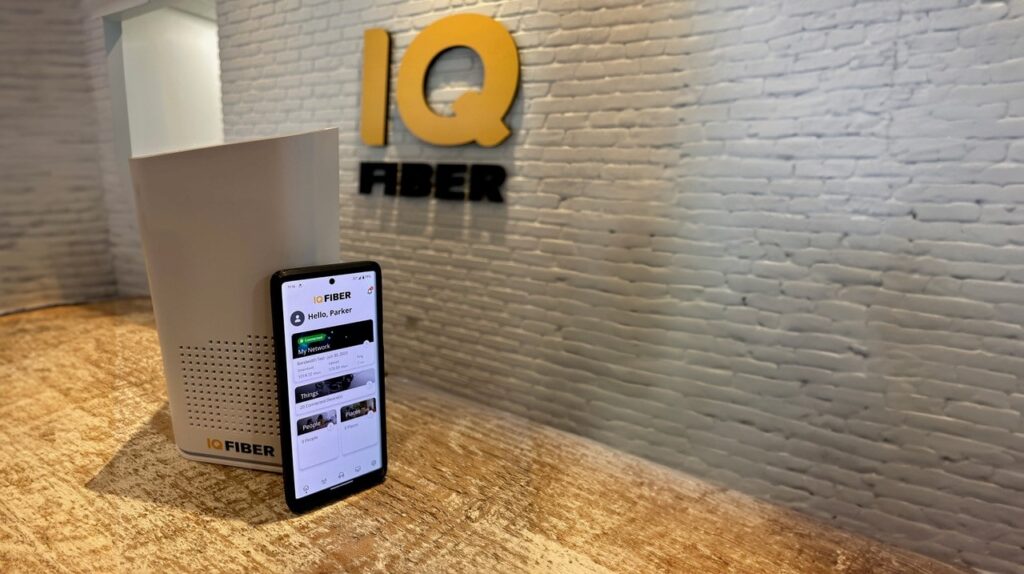
Instead of a modem, fiber uses an ONT (Optical Network Terminal) — a special device that converts light into data.
If you’ve ever wondered why fiber internet feels smoother and more reliable than cable, this is one of the big reasons: the ONT receives less interference, is more stable, and requires less maintenance than any cable modem.
What a Router Actually Does
Your router is the device that creates your WiFi network. It decides:
- How far your WiFi reaches
- How strong the signal is
- Whether streaming or gaming runs smoothly
- How your home handles multiple devices at once
- How your network manages congestion
If your WiFi feels slow, glitchy, or inconsistent — it’s almost always the router, not your modem.
A router is basically the air traffic controller of your home network.
Modem vs Router: The Real Difference
Here’s the simplest breakdown:
Modem = brings the internet into your home
Router = spreads the internet around your home (WiFi or Ethernet)
You need both if you’re on cable or DSL.
You don’t need a modem if you’re on fiber.
Why Fiber Internet Doesn’t Use a Modem
Cable and DSL modems convert electrical signals.
Fiber uses light — which requires different hardware entirely.
Fiber uses an ONT instead of a modem.
The ONT handles the signal conversion, allowing your router to distribute high-speed internet throughout your home.
This gives you major benefits:
- More reliable connection
- Lower latency
- No modem upgrades needed
- Fewer things that can fail
- Faster speeds with more stability
With fiber, the home networking experience gets simpler and much more powerful.
How Your Home Network Actually Works
Every home network follows this basic path:
Outside line → Wall jack → ONT/modem → Router → Your devices
Each piece serves a different purpose. The ONT or modem talks to your provider, while the router controls your WiFi performance.
Your router doesn’t directly communicate with your internet provider — it only manages the devices inside your home.
Not your modem.
Not your ISP.
Your router.
If your internet is fast in one room but slow in another, or if some devices struggle while others fly, you’re dealing with a router issue. Not a connection issue.
Real-Life Home Scenarios – Where Internet Problems Start
Let’s talk about actual households, not hypothetical tech diagrams.
1. The Streaming Household
Multiple 4K streams? Kids watching YouTube? Someone on FaceTime?
Your streaming experience depends on several factors — including your internet speed, how many devices are connected, and how your home network is set up.
But inside your home, your router plays a major role in how that connection is distributed. A strong router helps ensure everyone gets smooth, buffer-free viewing instead of fighting over bandwidth.
2. The Smart Home Lover
You might have:
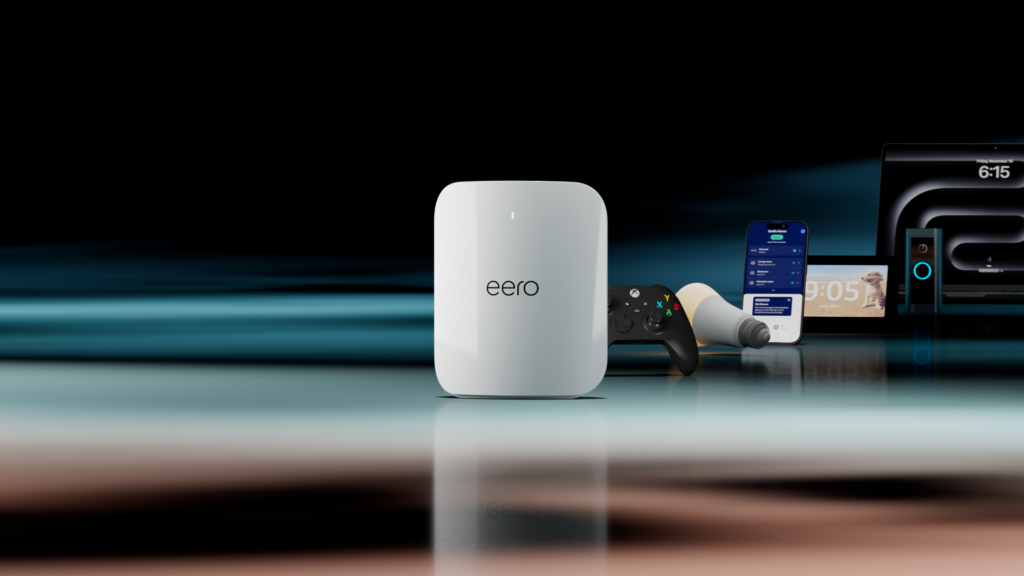
Doorbell cams, smart speakers, TVs, tablets, phones, thermostats, door locks — easily 20+ devices.
Cheap routers choke under this load.
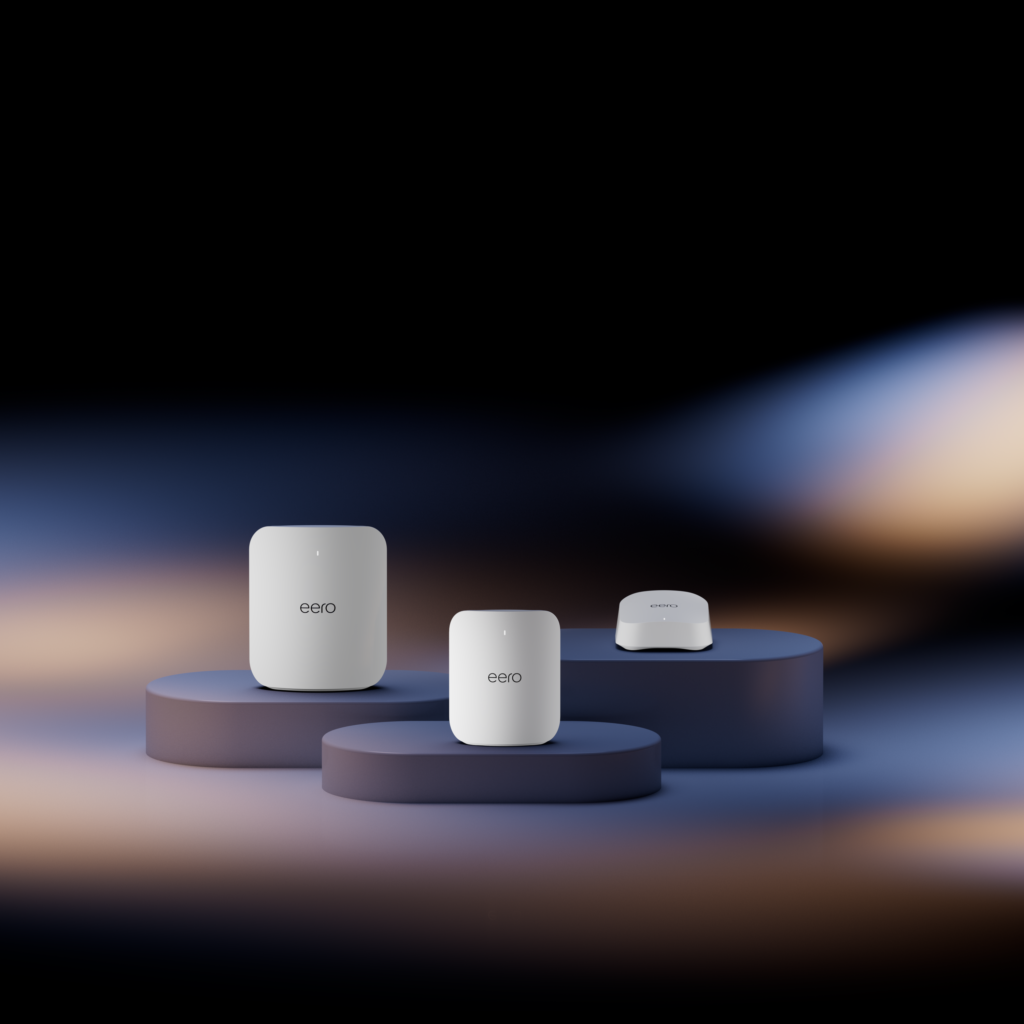
WiFi 7 systems (like the eero technology included with IQ Fiber) handle it effortlessly.
3. Gamers & Remote Workers
Low latency matters. A fiber connection plus a high-end router gives you:
- Better ping
- Faster responses
- Stable video calls
- Less lag
4. Multi-Level Homes & Busy Families
Dead zones happen because WiFi has to travel through walls, floors, and appliances.
With IQ Fiber, the latest WiFi 7 technology comes standard with Whole Home WiFi at no additional charge—and there are no equipment rental fees, ever. We also include no-cost professional installation – our technicians ensure that every part of your home is covered before leaving.
Should You Buy Your Own Equipment or Use the ISP’s?
Most internet providers love charging equipment rental fees—usually $60–$200 per year. And what do you get for it? Often outdated gateways, modems, and routers that underperform, age quickly, and struggle to keep up with modern homes.
Many providers will even recommend that you buy your own router—not because it works better, but because once you do, WiFi performance is no longer their problem. If something isn’t working, troubleshooting turns into finger-pointing between your equipment and their network.
That adds up to frustration and hundreds of dollars over time.
IQ Fiber does things differently.
With IQ Fiber, your internet and your WiFi are designed to work together—and we support the entire experience from end to end.
You get:
- Top-of-the-line eero WiFi 7 equipment included
- Whole Home WiFi included
- Professional installation included
- Ongoing optimization and support included
- Zero equipment rental fees — ever
You’re always free to use your own router if you want. But for most homes, the Eero WiFi 7 system we install delivers better performance, stronger coverage, and greater stability than off-the-shelf equipment—and because it’s fully supported by our 100% fiber network, we can actively help optimize and troubleshoot your WiFi when you need it.
No guessing. No “that’s not our equipment.”
Just internet and WiFi that work better—together.
Matching the Right Router to Your Home and Speed
Not all routers are created equal.
Here’s a quick guide:
- Under 300 Mbps → Basic router
- 300 Mbps – 1 Gbps → WiFi 6
- Gigabit fiber → WiFi 6 or WiFi 7
- Larger homes → Mesh system
Fiber internet benefits dramatically from modern WiFi tech, especially WiFi 7, because it’s designed to move massive amounts of data efficiently – at the speed of light.
Setting Up and Troubleshooting: Modem, ONT, or Router?
Here’s the simplest way to set up your home network:
- Wall jack → ONT/modem
- ONT/modem → Router
- Router → Devices
- Power everything on
- Run a real life test on your devices (streaming a video for example)
Most issues come down to:
- Router placement
- Old hardware
- Congestion
- Wrong ports
- Weak combo devices
Quick Diagnostic Guide: What’s Actually Causing the Problem?
Here’s a simple way to narrow it down fast:
1. Everything is offline
Likely: ONT/modem issue or an outage.
2. Wired internet is fast but WiFi is slow
Likely: router or device issue.
3. Some rooms are slow but others are fast
Likely: WiFi coverage problem → router location adjustments or mesh coverage needed.
4. WiFi drops randomly
Likely: old router, overheating, or underpowered hardware.
IQ Fiber makes this process much easier because the ONT is simple, stable, and rarely requires troubleshooting. And when you’re an IQ Fiber customer? Our team usually catches and fixes any issues before you even notice them.
Do You Need Mesh Wi-Fi?
Mesh WiFi is designed to solve the most common problems traditional routers struggle with, including:
- Dead zones
- Weak signal across long distances
- Coverage gaps in multi-floor homes
- Interference from thick walls and building materials
Unlike single-router setups or basic extenders, true mesh WiFi uses multiple access points that work together as one network, so your connection stays strong as you move throughout your home.
Most households benefit from mesh WiFi—especially homes with complex layouts, multiple floors, or lots of connected devices.
That’s why IQ Fiber includes Whole Home WiFi powered by Eero, a true mesh WiFi system designed to deliver seamless coverage, consistent speeds, and better performance in every room—with no extra equipment fees.
Upgrading & Futureproofing Your Network
Here’s the good news:
If you’re on fiber, you never need to upgrade a modem. Ever.
Router upgrades are only needed when:
- Your WiFi slows down
- You add more smart home devices
- You move to a larger home
- Your router gets older (4–6 years)
- Your internet service provider uses outdated equipment
- You upgrade your internet speed
With IQ Fiber, your equipment is already WiFi 7 — the strongest, most futureproof WiFi available today.
Fiber vs Cable: How Your Equipment Experience Changes
Cable setups require:
- A modem
- A router
- Often extra extenders
- DOCSIS version compatibility
- More failure points
Fiber setups require:
- ONT
- Router
- Optional mesh units
Cleaner. Simpler. Faster.
And no modem upgrades ever again.
Fiber eliminates:
- Upload speed limits
- Latency bottlenecks
- Modem failures
- Outdated DOCSIS restrictions
- Clunky combo gateways
Your router becomes the main character — which is why we include premium hardware.
Conclusion: Now You Know Exactly How Your Home Network Works
Here’s your quick recap:
- The modem/ONT brings internet into your home
- The router spreads it through your home
- Combo devices are convenient but limited
- WiFi issues frequently come from the router
- Fiber doesn’t use a modem and removes several failure points
- IQ Fiber includes premium Eero WiFi 7 + Whole Home WiFi at no extra cost
- No rental fees, no outdated equipment, no compromises
When you understand each piece of your home network, you gain control — and you finally get the internet experience you’re paying for.
And with fiber, that experience becomes faster, cleaner, and dramatically more reliable. Search your address today to find out if IQ Fiber is available to you.